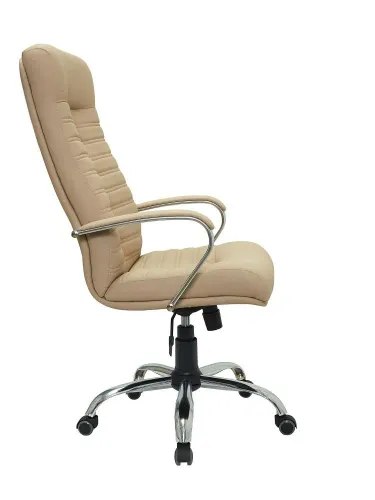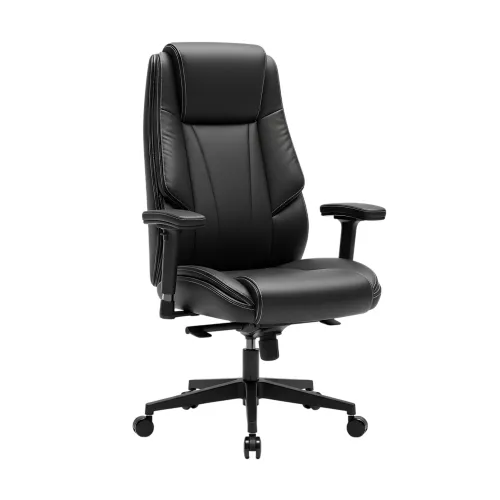
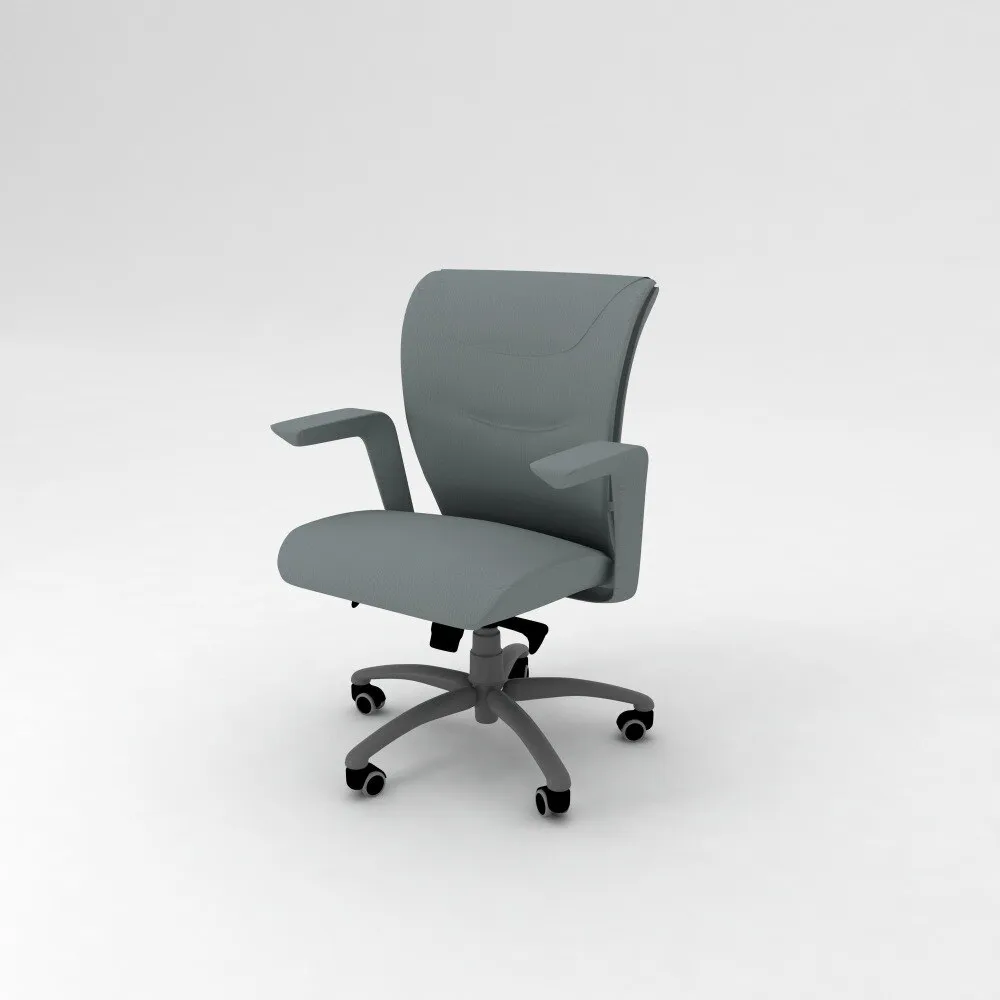
A low-back chair can keep a reception area open, help people move easily in a compact workspace and reduce visual bulk, but its shorter backrest does not automatically make it suitable for desk work. By checking the role, sitting time, desk fit, posture support and commercial durability, you can decide where this chair belongs and where a taller or more adjustable model is the safer choice.
Key takeaways
- Choose low-back chairs for shorter tasks, active work and open sightlines.
- Use taller backrests for long shifts, shoulder support and frequent reclining.
- Check seat height, desk clearance, lumbar support and adjustment range before ordering.
- Ask your low-back chair supplier about hardware, replacement parts and after-sales service.
What a Low-Back Office Chair Actually Supports
A low-back office chair supports the lower and mid-back, with a shorter backrest that usually stops below the shoulder blades. It can encourage movement and preserve open sightlines, but it does not provide the upper-back, shoulder or neck support available from taller designs.
| Option | What it supports | Main difference |
|---|---|---|
| Low-back chair | Lumbar area and part of the mid-back | Compact, open profile; limited recline and upper-back support |
| Medium-back chair | Lumbar region through much of the upper back | More coverage for routine desk work without an executive-chair profile |
| High-back chair | Lower back, upper back and sometimes head and neck | Greater recline support, but more visual bulk and occupied space |
| Visitor chair | Basic seated comfort during short visits | Usually fixed height and back position, with little user adjustment |
A low-back office chair is not automatically ergonomic. Check seat height, seat depth, lumbar height or depth, back-support movement and armrest position against the user and desk; an adjustable lumbar cushion is more useful than a low fixed cushion for mixed-height teams.
For a low back office chair in Thane, the shorter backrest suits reception counters, meeting rooms, training areas, hot desks and compact offices where people move frequently. Choose a taller, more adjustable chair when someone spends most of an eight-hour shift seated, reclines for focused computer work or needs shoulder and neck support.
Match the Chair to the Role, Hours and Workspace
Use a low-back chair where people move, meet, greet visitors or work in a visually open space. Its compact profile preserves sightlines, makes a small office feel less crowded and leaves more room for under-desk storage.
| Role or area | Why it suits | When to avoid |
|---|---|---|
| Reception desk | Keeps the front area open and supports frequent standing and sitting | Avoid for receptionists seated at a screen for most of an eight-hour shift |
| Meeting room | Allows movement, conversation and easier chair storage between meetings | Avoid for long workshops where attendees remain seated for several hours |
| Training room | Fits flexible layouts and frequent seat changes | Avoid when sessions involve uninterrupted computer work |
| Hot-desk area | Works well for short tasks and shared seating | Avoid when one user needs precise long-duration ergonomic adjustment |
| Compact office | Uses less visual and physical space | Avoid when users need strong upper-back or shoulder support |
The limited backrest becomes a problem when an employee works at a computer for most of the day, reclines frequently or has neck, shoulder or upper-back support needs. Choose a medium-back or adjustable ergonomic chair when the role demands sustained seated concentration.
A low back office chair for business in thane is suitable only after a desk trial. Check that users can place both feet flat, keep elbows near desk height and change position without losing support; test it with shorter and taller staff before buying. Pair any chair with a correctly placed monitor and regular breaks.
Compare Chair Types Before You Choose a Commercial Seat
A low-back chair is a compact seat, not an ergonomic verdict. Compare seat-height range, seat depth, lumbar adjustment, armrests and desk fit before judging the backrest. For an office chair for commercial use, those controls matter more than a label or a “BIFMA tested” claim.
| Option | What it offers | Best fit | Main limitation |
|---|---|---|---|
| Low-back chair | Short backrest with basic lumbar support; compact footprint | Reception, training rooms, short meetings and space-constrained desks | Limited upper-back support for prolonged screen work |
| Ergonomic adjustable chair | Adjustable seat height and depth, lumbar support, armrests and recline | Shared workstations and full-day computer roles | Costs more and needs correct setup |
| Medium-back mesh chair | Mid-height support with breathable mesh and moderate recline | General desk work in warm offices or mixed-use rooms | Fixed dimensions may not suit every torso |
| High-back executive chair | Extended backrest, deeper seat and often head-and-neck support | Senior offices, long seated work and users wanting broad support | Takes more space and can restrict movement |
| Fixed visitor chair | Non-adjustable frame designed for brief sitting | Reception visitors, interview rooms and meeting turnover | Poor choice for daily desk work |
Test each option at the actual desk. A low-back chair becomes the weaker choice when users need neck support, recline frequently or sit for eight-hour shifts. For shared offices, try it with shorter and taller users, record every adjustment range, and treat breaks, monitor height and posture changes as part of the setup.
Check Desk Fit, Adjustability and Posture Before Buying
A chair fits the desk only when the user can sit with feet flat, thighs supported and elbows near 90 degrees without raising the shoulders. Test it at the actual workstation, not beside a showroom table.
1. Measure the desk’s finished height, underside clearance and leg position. Set the chair so the keyboard allows relaxed shoulders and forearms close to horizontal. If the chair works only with its seat raised above the desk, it is the wrong fit.
2. Record the seat-height range, seat depth and seat width. At the lowest and highest settings, users should keep both feet on the floor, with roughly 5–8 cm between the seat edge and the backs of their knees. A fixed deep seat will leave shorter users unsupported.
3. Check the backrest while seated. Its lumbar support must contact the lower back rather than stop below it; adjustable lumbar height or depth is more useful for mixed-height teams than a fixed cushion.
4. Test the armrests against the desk. They should support relaxed elbows without preventing the chair from moving close to the work surface. Measure armrest height, width and spacing, then check whether they fit beneath the desktop.
5. Have the shortest and tallest regular users sit for at least 10 minutes, type, read and turn to speak. Reject the chair if anyone leans forward to see the screen, feels pressure behind the knees or cannot change position.
Record base width, caster type, rated load, warranty and replacement-part availability before ordering. Shared offices also need a monitor position and break routine that suit posture changes.
Specify Materials, Hardware and After-Sales Support for Thane
Ask for a written specification, not “premium quality.” Before you buy low back office chair in Thane, test one sample at the actual desk with users of different heights, then record the result.
1. Ask for the frame material, foam density, upholstery composition and rated load. Check welded joints, fasteners, five-star base width and caster type; ANSI/BIFMA claims must name the standard and test scope, because performance testing does not prove ergonomic fit.
2. Ask how the chair survives Thane dust, monsoon moisture and daily wiping. Confirm whether the covering tolerates diluted neutral detergent, whether foam is protected from moisture, and whether seams or mesh fray after repeated cleaning.
3. Request a safety checklist covering stability, caster retention, gas-lift operation, recline locking and pinch points. A chair that wobbles, sinks or tips during a normal shift is not acceptable, regardless of its appearance.
4. Get replacement-part prices and availability in writing for casters, gas lifts, arm pads, seat cushions and upholstery. Shaad Enterprises can be asked whether these parts are stocked separately, rather than requiring complete chair replacement.
5. Make the warranty specific: duration, covered components, load limit, exclusions, service location and response time. Ask who pays transport and installation, and keep the invoice, model number and batch details.
The low back chair supplier should also provide seat-height range, seat depth, lumbar adjustment, armrest dimensions, base width and caster specification. These details expose a poor fit before several chairs enter your office.
Related products
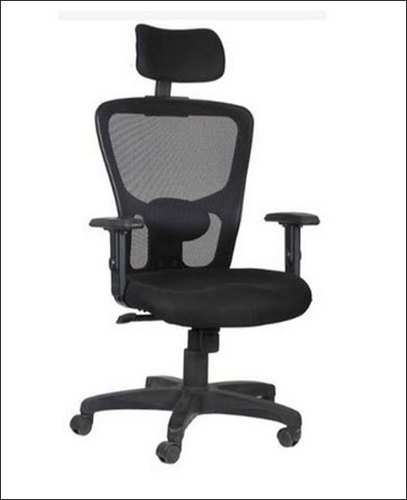 | Office Chairs Shaad Enterprises Shaad Enterprises offers premium quality Low Back Office Visitor Chairs designed to provide comfort, durability, and a professional... View product → |
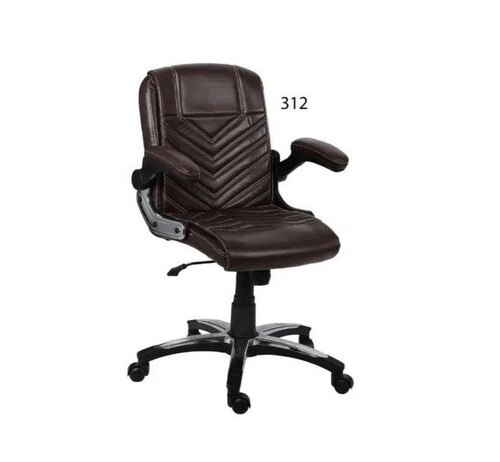 | Office Chairs Here’s a simple, step-by-step assembly guide you can use for assembling Low Back Office Chairs in your business (e.g., Chirag Steel) — suitable for... View product → |
Frequently asked questions
What does a low-back office chair support?
A low-back office chair supports the lower and mid-back, while leaving the shoulders, upper back and neck unsupported.
Which business roles suit a low-back office chair?
Low-back chairs suit roles with shorter tasks, frequent movement and a preference for open sightlines. Long desk shifts may require a taller backrest.
What should you compare before choosing a commercial office chair?
Compare low-back, mid-back and high-back designs for back support, task duration, movement, reclining and workspace needs.
How do you check whether a low-back chair fits your desk?
Check seat height, desk clearance, seat depth, lumbar support, armrest position and the chair's adjustment range before buying.
What should you ask a low-back chair supplier in Thane?
Ask about frame and base materials, caster quality, upholstery, warranty coverage, replacement parts, delivery and after-sales support.
Keywords