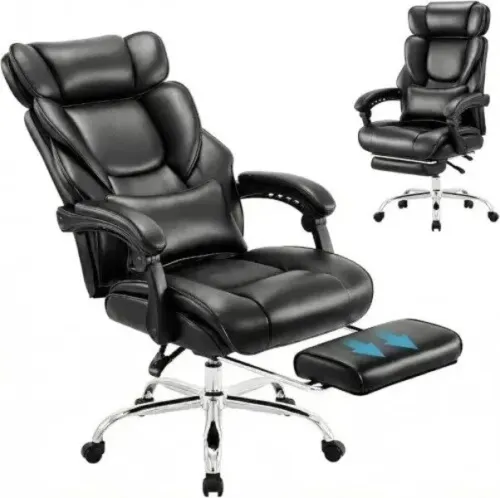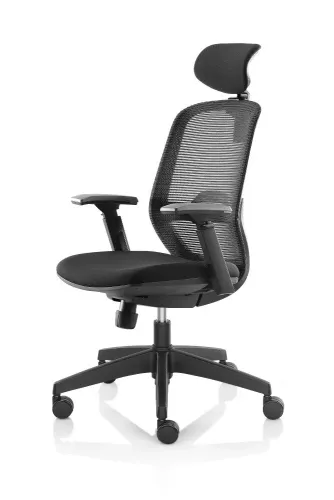
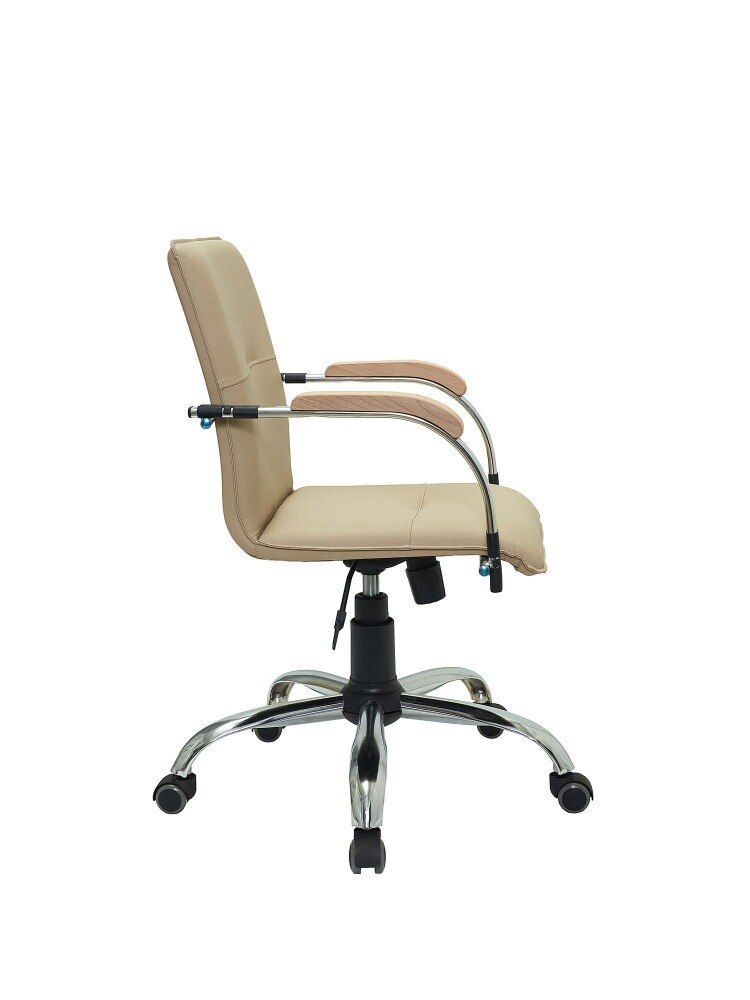
A low-back chair can make a compact study corner easier to enter, visually lighter and less restrictive, but its shorter backrest is not suitable for every task or body size. You will be able to match the chair to your study habits, check its fit against your desk and test comfort before choosing one for a bedroom, rented room or shared home.
Key takeaways
- Keep 5–10 cm between your knees and the desk underside.
- Choose adjustable seat height so your feet rest flat on the floor.
- Use lumbar support and a stable base for 30–60 minute study sessions.
- Measure the desk, chair footprint and walkway before buying.
What does a low-back chair improve in a home study corner?
A low-back chair can make a compact home study corner easier to use by bringing you closer to the desk without a tall backrest colliding with the wall, shelves or nearby furniture. Its shorter profile also reduces visual bulk, which helps a bedroom, rented room or shared Thane study area feel less crowded.
The practical low-back office chair benefits for home study in Thane include freer shoulder and neck movement while you write, type, read from a textbook or turn toward a second screen. Without a high backrest pressing behind the shoulders, you can change position more easily instead of holding one rigid posture for hours.
The trade-off is reduced upper-back and head support. If you lean back during long reading sessions, online classes or extended computer work, a medium- or high-back chair may support you better.
Armrests can also help unload the shoulders, but remove them or adjust them if they stop the chair from moving close enough to the desk.
Chair height alone does not prevent back pain. A chair set high enough to fit the desk can leave your feet unsupported, while excessive seat depth can push you forward and separate your lower back from the backrest.
Prioritise supported feet, lower-back contact and easy task movement; treat persistent or radiating pain as a reason to seek clinical advice, not as a furniture problem.
Which chair type fits reading, writing, classes and computer work?
A low-back chair suits short reading, writing, online classes and active computer work when the lumbar curve is supported and you change position regularly. It gives easier desk access and freer shoulder movement, but less upper-back and head support.
| Chair type | Best study tasks | Main limitation |
|---|---|---|
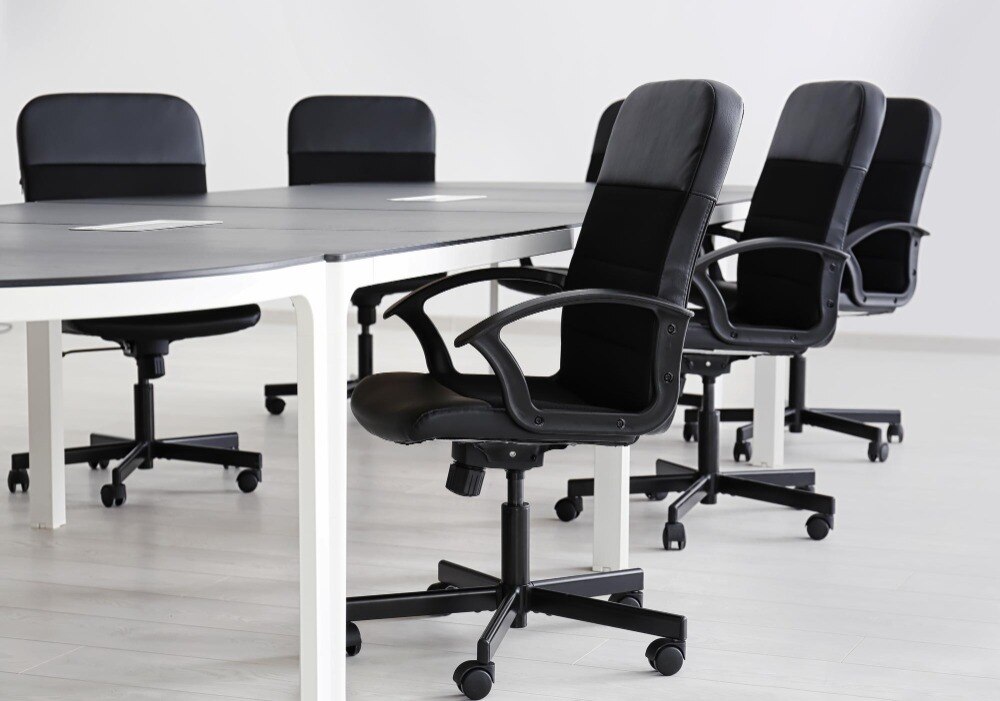
| Low-back | Writing, exam practice, short reading, online classes and active keyboard work | Less support when you recline or study for long periods |
| Medium-back | Mixed work involving books, laptop use, classes and moderate reading | More visual bulk and less freedom than a low-back design |
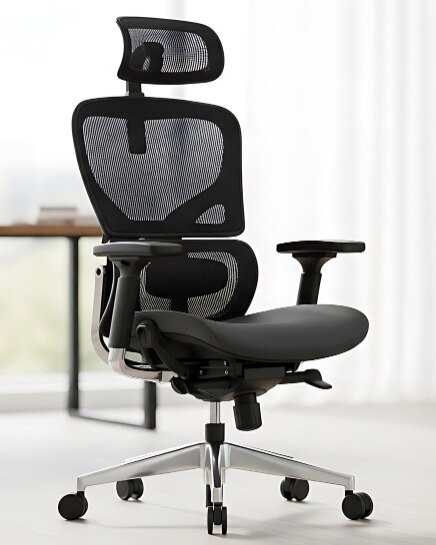
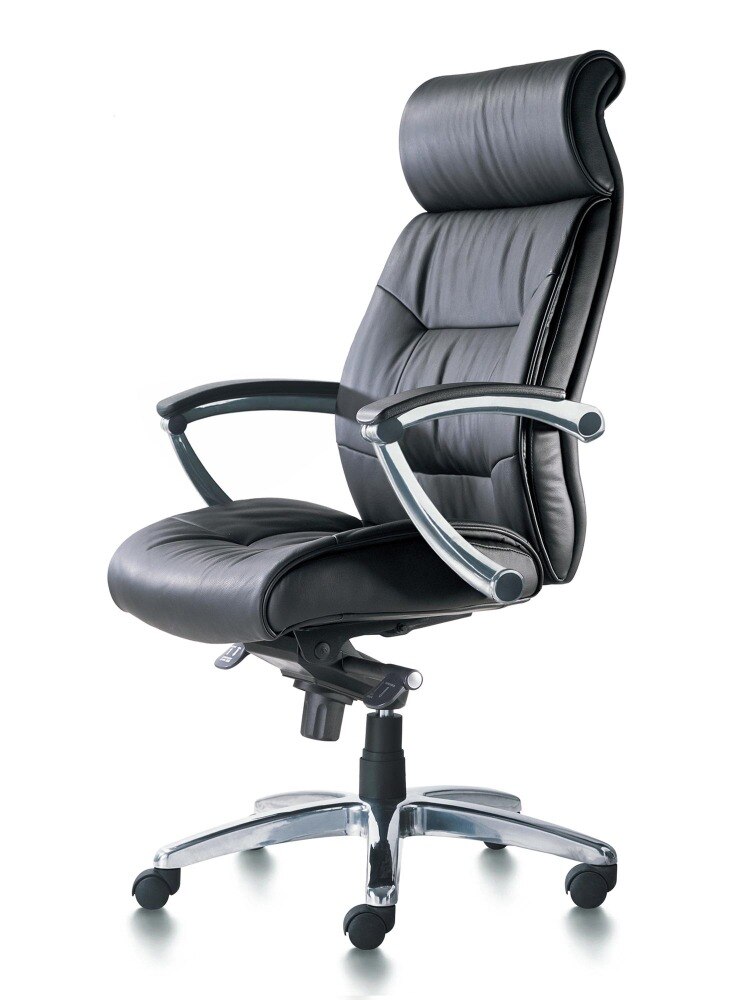
| High-back | Long reading, extended computer work and users who lean back | Can crowd a compact desk and restrict movement |
| Visitor chair | Brief conversations or occasional guest seating | Poor default if it lacks height adjustment, desk clearance or suitable study support |
Choose a low back chair for students in Thane when the student works close to the desk and needs to turn between a notebook, keyboard and screen. Set the screen and books high enough to avoid sustained neck bending; the chair cannot correct a screen that sits too low.
A medium-back chair is the safer all-round choice when one chair must cover writing, classes and longer reading. Choose a high-back model when you regularly lean back, while checking that its backrest does not strike the desk.
A visitor chair often has a fixed seat and limited adjustment. If your feet do not reach the floor, or the seat cannot slide under the desk, it is a poor study chair even when its padding feels comfortable.
How do you measure the chair, your body and the study desk?
Measure the chair with the desk, not in isolation. A suitable home study chair in Thane lets you reach the work surface without raised shoulders, forward leaning or unsupported feet.
- Set the seat height so both feet rest flat on the floor or on a footrest. Keep your thighs broadly level and your shoulders relaxed.
- Check seat depth by sitting fully back. Leave about 2 to 5 cm between the seat edge and the backs of your knees; excessive depth makes you slide forward and lose lumbar contact.
- Check seat width. Your hips should sit without pressure at either side, with a little room for natural movement.
- Check lumbar contact. Your lower back should meet the chair’s lumbar curve while you sit upright, rather than forcing you to perch at the front.
- Check backrest height. It should support your lower and mid-back without blocking natural shoulder movement; a low backrest will not support your head.
- Measure the desk opening from floor to underside and between its side panels. The chair must slide close enough for you to work without reaching forward.
- Measure armrest width and height. Armrests that hit the desk or opening make a compact chair unusable, so removable or adjustable arms can help.
Test the actual desk by typing or writing for several minutes with elbows near 90 degrees. A footrest corrects dangling feet; it cannot fix a desk that is too high, which still forces raised shoulders or lifted elbows.
Which features matter when you study for 30 to 60 minutes?
Spend a full 30 to 60 minutes in the chair before deciding. Read a textbook, type on a laptop, look at a monitor and write by hand; thick padding that feels impressive for five minutes can still create knee pressure, heat or poor desk access.
| Task | Backrest choice | What to check |
|---|---|---|
| Short reading or writing | Low-back | Lumbar contact without shoulder restriction |
| Laptop work and online classes | Low- or medium-back | Upright support and easy desk clearance |
| Monitor work with frequent note-taking | Medium-back | Stable support during repeated position changes |
| Long reading or leaning back | High-back | Upper-back and head support; a low backrest may feel inadequate |
Check these features during the session:
- Adjust seat height until both feet rest on the floor or a footrest, with thighs broadly level.
- Test tilt and tilt lock; the chair should recline smoothly and hold position without sudden movement.
- Choose armrests that clear the desk, or removable arms if they block close access.
- Feel for a lumbar contour that supports the curve without a hard pressure point.
- Use a five-star base and castors matched to the floor; hard wheels suit carpet poorly, while soft wheels can roll less harshly on hard floors.
- Prefer mesh or other breathable material for Thane’s heat, but inspect support and cleaning separately.
- Reject looseness, uncontrolled swivelling or rolling.
A comfortable low back chair in Thane should let you change between books, screens and notes without sliding forward. If you regularly lean back, study for longer periods, or need head and upper-back support, choose a taller, height-adjustable backrest.
How should you choose low-back seating for a compact Thane home?
Measure the desk opening before choosing a chair. The seat and armrests must pass under or beside the desk so you can move close without reaching forward. This matters in a bedroom, rented room, compact apartment or shared study area, where a chair that looks small can still block drawers, beds or another person’s workspace.
- Record the opening width, underside height and available depth with the desk in its normal position.
- Check that the chair’s feet or castors suit the floor; add a floor mat on hard flooring if rolling becomes uncontrolled.
- Choose a stable five-star base, smooth swivel and adjustments that lock or stay controlled.
- For children and teenagers, prioritise a correctly sized seat over oversized cushioning; feet must reach the floor or a footrest.
- Treat fixed, wide armrests as a problem when they stop the chair approaching the desk.
| Space | Priority check | Reject when |
|---|---|---|
| Bedroom | Overall depth and bed clearance | The chair blocks the bed or wardrobe |
| Rented room | Castor control and easy repositioning | Rolling damages the floor or interrupts shared use |
| Compact apartment | Armrest and desk-opening width | You must sit diagonally or lean forward |
| Shared study | Stable base and lockable adjustments | The chair swivels or loosens unpredictably |
For low-back office seating in Thane, ask Shaad Enterprises for the actual seat-height range, seat depth, seat width, backrest dimensions, armrest clearance and adjustment details. Compare those measurements with other options rather than trusting the low-back label or catalogue appearance.
Related products
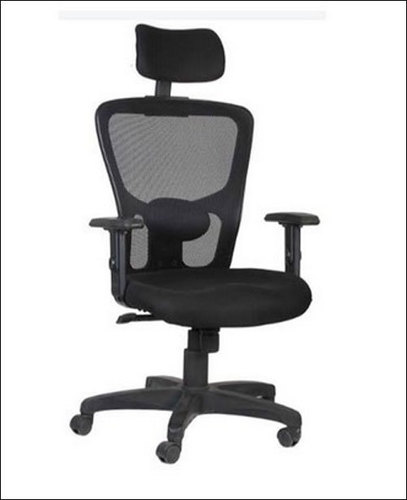 | Office Chairs Shaad Enterprises Shaad Enterprises offers premium quality Low Back Office Visitor Chairs designed to provide comfort, durability, and a professional... View product → |
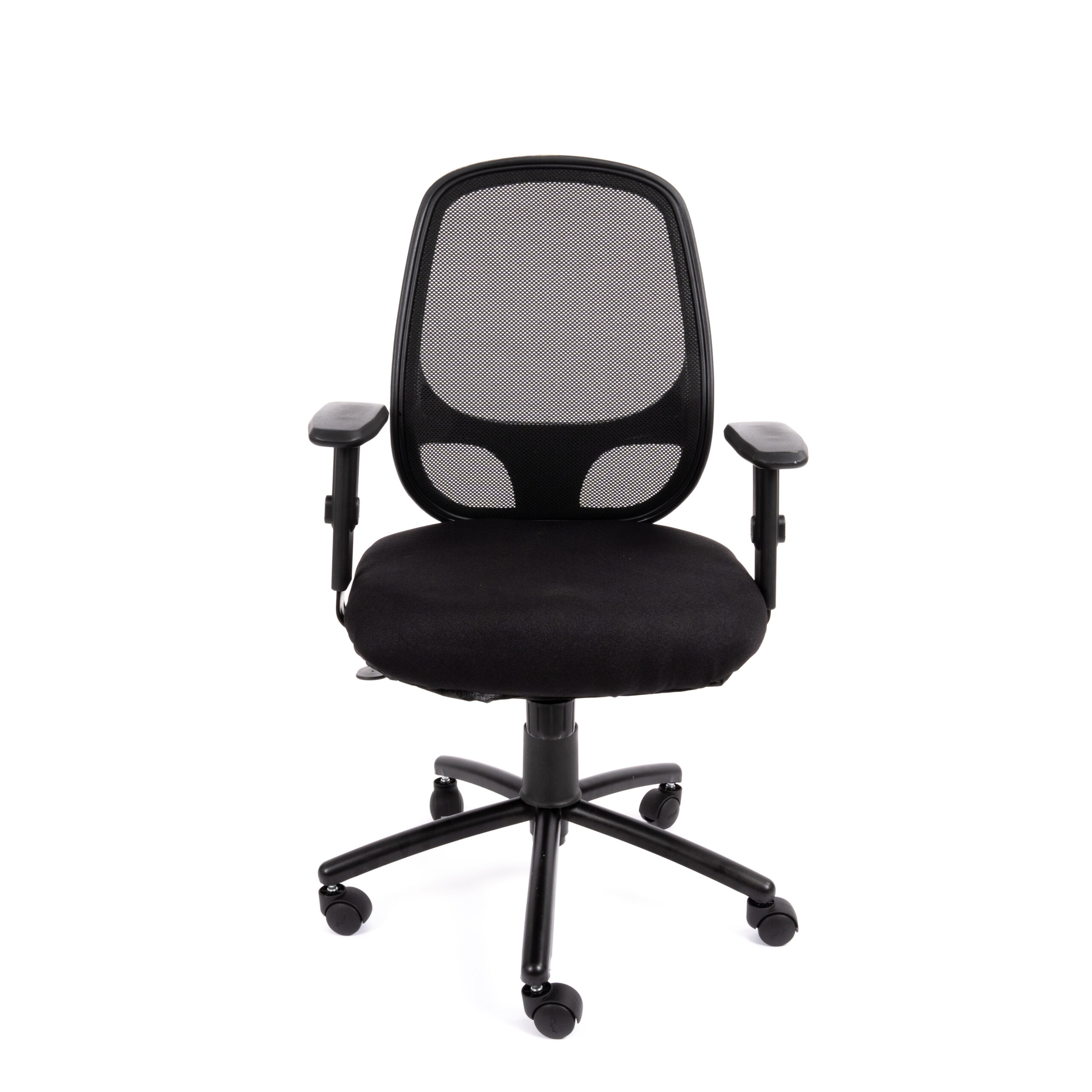 | Office Chairs Medium Back Mesh Executive Chair Shaad Enterprises Shaad Enterprises offers premium quality Medium Back Mesh Executive Chairs designed for comfort, breathability, and modern office... View product → |
Frequently asked questions
What does a low-back chair improve in a home study corner?
It brings you closer to the desk and reduces collisions with walls, shelves and nearby furniture. Its shorter backrest also creates less visual bulk in a compact room.
Which chair type fits reading, writing, classes and computer work?
Choose a chair with adjustable seat height, a supportive seat, a stable five-point base and lumbar support. For computer work, add casters only when the floor and desk arrangement allow safe movement.
How do you measure the chair, your body and the study desk?
Measure seat height, seat depth, chair width, desk height and the available floor area. Keep your feet flat, your knees near a 90-degree angle and enough knee clearance beneath the desk.
Which features matter when you study for 30 to 60 minutes?
Prioritise a supportive seat, adjustable height, stable back support, a breathable surface and smooth edges. Avoid a seat that presses behind your knees or forces your shoulders upward.
How should you choose low-back seating for a compact Thane home?
Measure the full chair footprint and its movement area, then compare it with the desk, wall, shelves and walkway. Choose a compact low-back office chair when a tall backrest would restrict access or make the corner feel crowded.
Keywords