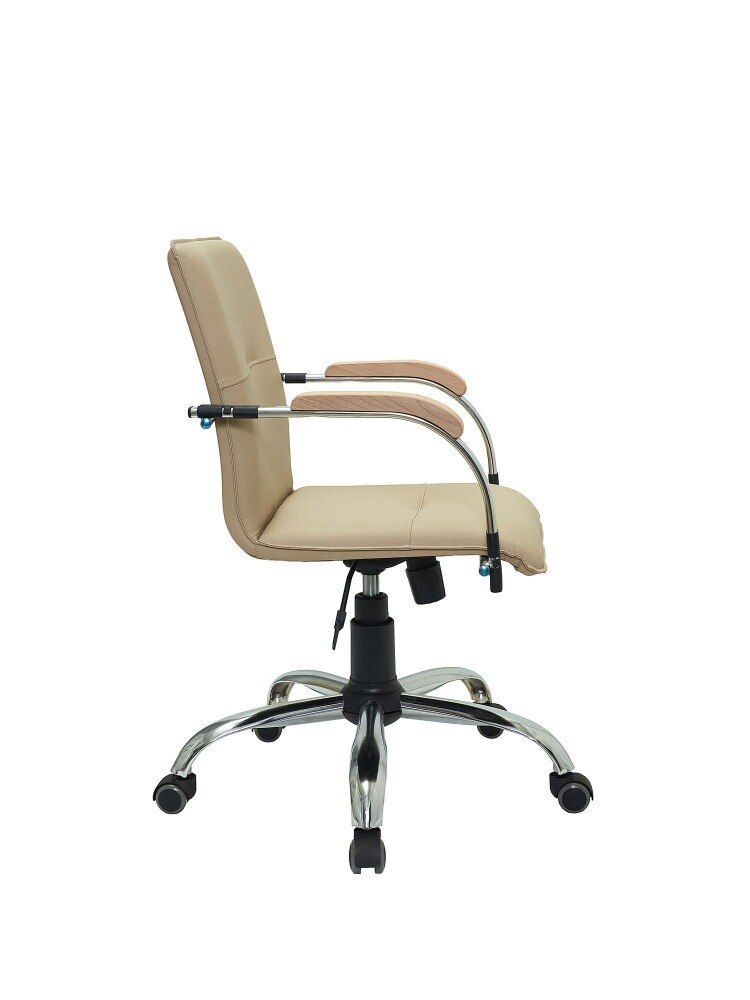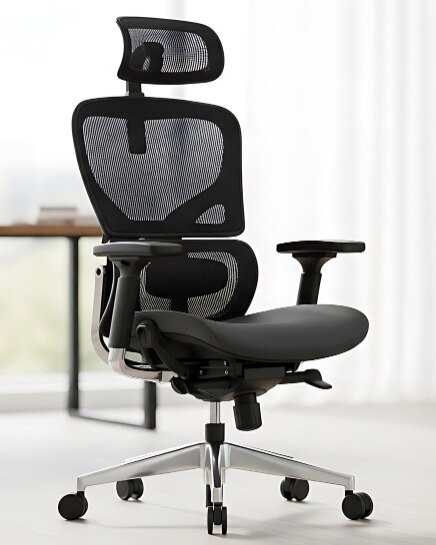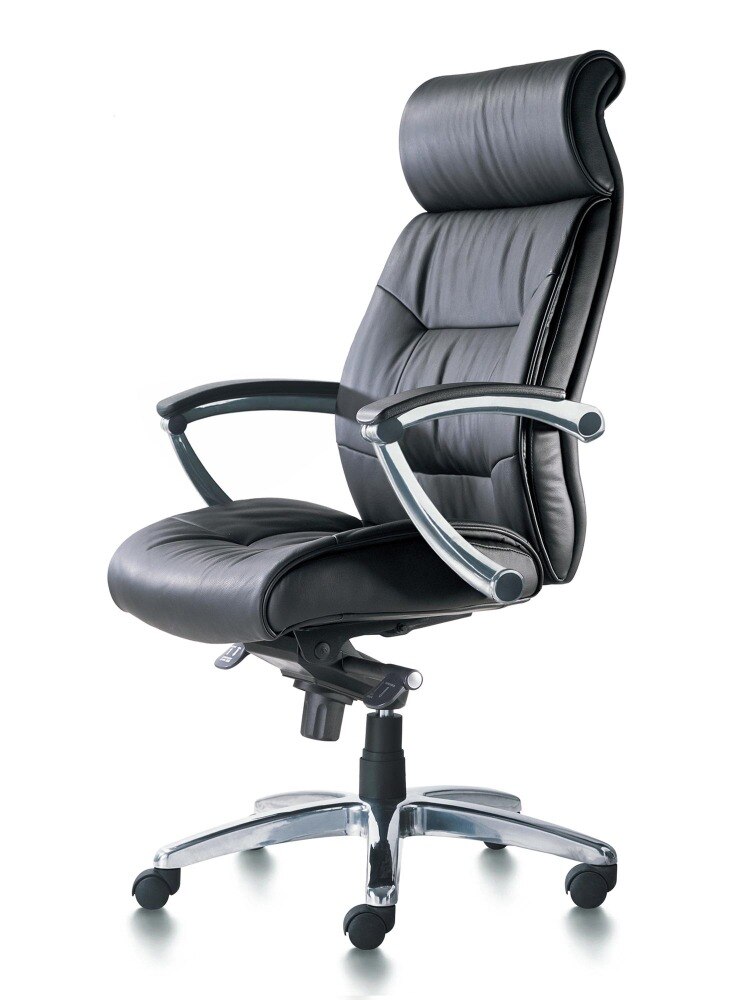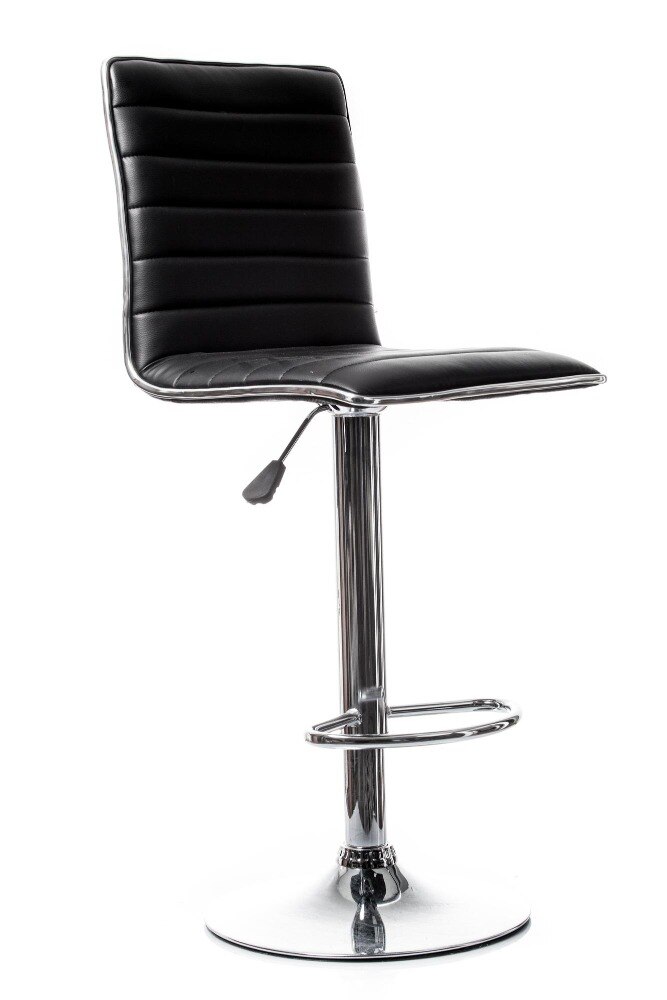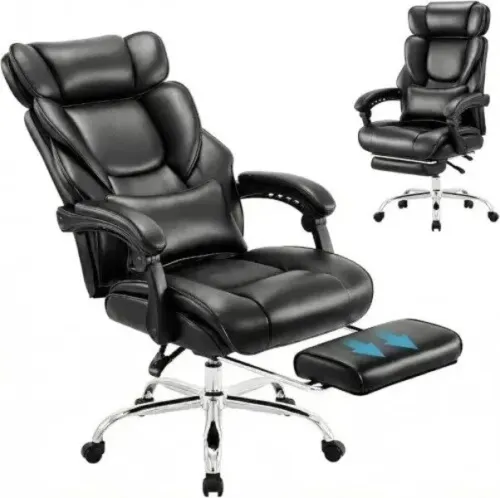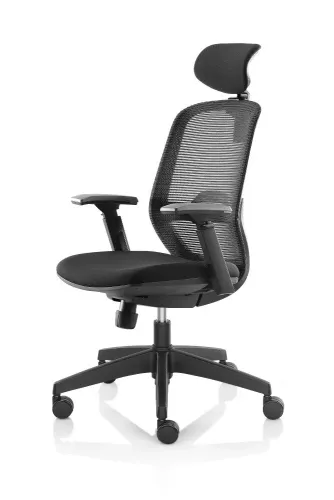
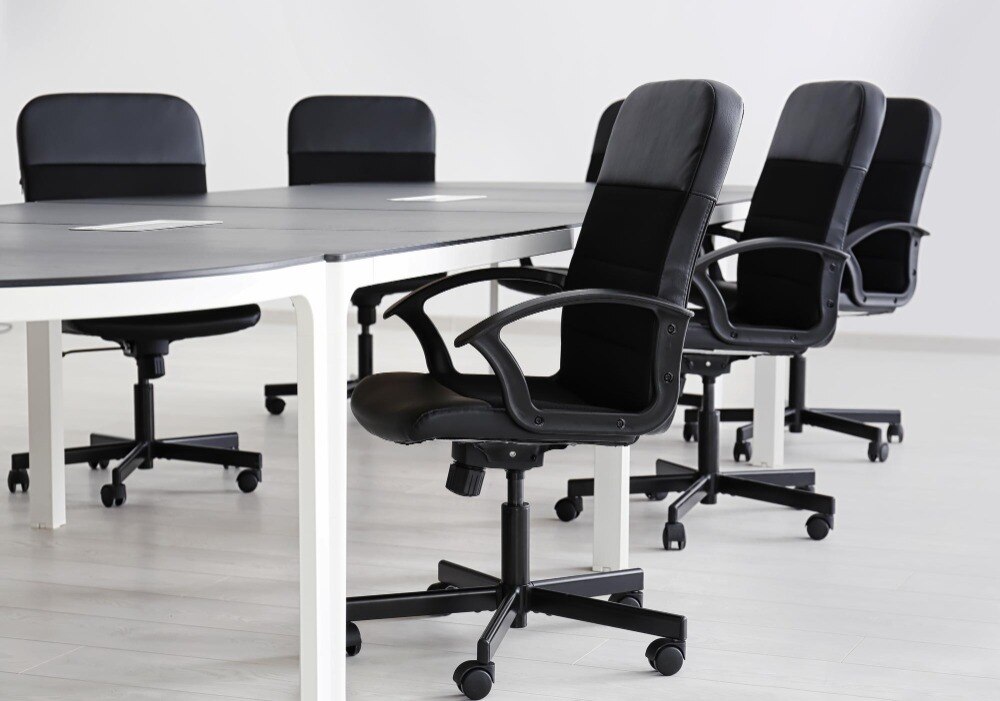
A chair built for eight hours of typing has different demands from one used for a 45-minute meeting or a visitor waiting near reception. By separating those tasks, measuring the room and counting seats by actual use, you can create a seating plan that supports comfort, movement, access and maintenance without buying one unsuitable chair for every area.
Key takeaways
- Use adjustable chairs for sustained desk work, not guest seating.
- Match seat height and depth to the desk, table and user.
- Plan chairs by department, work pattern and expected occupancy.
- Test every room at full use before approving the furniture order.
One chair cannot serve three different kinds of use
Desk work, meetings and visitor interactions place different demands on a chair, so one model rarely serves all three well. Desk users need sustained adjustability: set the seat so both feet rest on the floor and knees sit approximately level with, or slightly below, the hips.
Seat depth should support the thighs without pressing behind the knees, while the backrest supports you without pushing you away from the desk. Lumbar support, adjustable arms, swivel and casters help with typing, reaching and position changes.
| Use | Functions that matter | What can go wrong |
|---|---|---|
| Desk | Broad height and depth adjustment, lumbar support, compatible arms, swivel and casters | Fixed arms or a poor seat depth force forward leaning and restrict movement |
| Meeting | Stable positioning, easy entry and exit, modest movement, arms that pass under the table | Deep recline, large arms or wheels obstruct the table and narrow aisles |
| Visitor | Predictable access, compact dimensions, short-duration comfort, non-rolling base | An unfamiliar visitor can misjudge a wheeled chair and roll unexpectedly |
Meeting chairs prioritise conversation and quick movement rather than all-day posture changes. Visitor chairs need a four-leg or sled base when stability matters more than repositioning. This is why office chairs for desks meetings and visitors in Thane should be specified by room function, not one identical product.
A five-star wheeled base that helps at a desk can obstruct a conference table.
Match chair measurements to the desk, table and person
Compare chair dimensions with the desk, table and user before buying; a catalogue footprint alone cannot show whether the chair works.
| Measurement | Compare it with | Failure to catch |
|---|---|---|
| Seat height | Feet supported; knees level with or slightly below hips | Dangling feet or raised shoulders |
| Seat width | User’s hips plus comfortable clearance | Pressure at the thighs |
| Seat depth | Thigh support without pressure behind the knees | Restricted circulation or unsupported thighs |
| Back height | Back and lumbar support without pushing the user from the desk | Leaning forward to reach the keyboard |
| Armrest height and clearance | Elbows relaxed and the underside of the work surface | Arms blocked beneath the desk |
| Overall footprint | Desk bay, aisle and turning space, pushed in and pulled back | A chair that blocks circulation when occupied |
| Distance between table legs | Chair base and armrests | Collision with legs during entry or exit |
Have the user reach the keyboard with relaxed shoulders and approximately level forearms while keeping both feet supported. A sit-stand desk still needs this check for seated computer work, meetings and recovery periods; changing desk height does not remove the chair mismatch.
Measure the underside of the work surface, then confirm that armrests pass beneath it. Record the chair dimensions in both positions:
- Fully pushed in
- Pulled back for typing, standing and entry
Firmer, shaped padding usually provides steadier pelvic support; very soft foam can let the pelvis sink and make position changes harder. Include these office seating requirements in your supplier request:
- ISO 24496 dimension information
- The exact ANSI/BIFMA X5.1 edition
- The X5.1 test scope
Treat “ergonomic” and “heavy-duty” as descriptions, not test evidence.
Plan chairs by work pattern, department and occupancy
Start with a seat inventory, not a headcount. For business office chair planning, record fixed desks, shared or hot desks, meeting-room seats, reception seats, waiting seats and spare chairs.
Count employees by exposure time, movement and public contact rather than job title: an eight-hour screen user needs more adjustment than someone who alternates between walking and paperwork.
- Fixed desks: assign one adjustable task chair per workstation.
- Shared or hot desks: provide chairs with broad adjustment ranges and simple user controls.
- Meeting rooms: match chair count to the table’s usable seats, including clearance for entry and exit.
- Reception: count staff seats separately from visitor seats and allow for repeated public use.
- Waiting areas: count expected simultaneous visitors, not the maximum daily footfall.
- Spares: record a separate quantity for cleaning, repairs, new starters and temporary seating.
Apply that pattern to chairs for office departments. Finance and other eight-hour computer roles need adjustable seat height, seat depth, lumbar support and arms that fit under the desk. Design teams benefit from movement and larger work surfaces; call-centre and operations teams need durable chairs with replaceable casters, gas lifts and arm pads.
Reception needs cleanable surfaces, while management or private offices may prioritise recline. Conference rooms need compact chairs that clear the table; training rooms benefit from stacking or nesting frames.
Run a separate access check. Reserve at least 30 by 48 inches of clear floor space for a wheelchair position as a planning benchmark, then verify the Indian building and accessibility requirements applying to the project. Do not treat that U.S. benchmark as Indian law.
Use a room-by-room decision table for Thane workplaces
The right office seating types in Thane depend on what happens in each room, not on one company-wide model.
| Location | Suitable chair type | Selection decision |
|---|---|---|
| Fixed desks | Adjustable task chair with compatible base and arms | Match seat height, arm clearance and lumbar adjustment to the desk. |
| Hot desks | Chair with broad adjustment ranges and durable mechanisms | Choose controls that users can reset quickly without tools. |
| Conference rooms | Compact fixed or controlled-movement chair | Ensure arms pass under the table and the frame allows easy entry and exit. |
| Reception areas | Stable, wipe-clean chair with replaceable covers or components | Prioritise repeated public use, cleanability and predictable positioning. |
| Visitor areas | Four-leg or sled-base chair | Use a non-rolling base when unfamiliar users could lose control of casters. |
| Training rooms | Stacking or nesting chair | Select a frame that clears aisles and stores efficiently after sessions. |
Thane’s heat, humidity and monsoon conditions add five checks: provide ventilation around upholstered chairs, confirm drying time after cleaning, specify rust-resistant metal finishes, inspect wipe-clean surfaces and confirm service access. Trapped moisture can damage fabric, foam and mechanisms before visible staining appears.
A local supplier such as Shaad Enterprises is useful when you need to compare office seating types in Thane in person. Test the seat edge and back frame while wearing normal work clothing, operate every adjustment, and confirm replacement casters, gas lifts and arm pads before ordering.
Related products
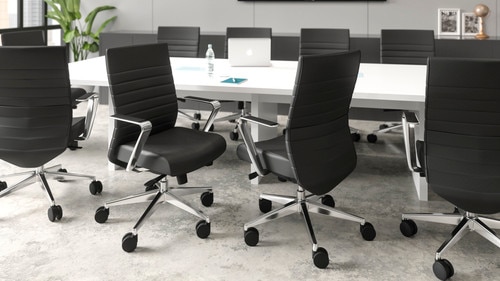 | Office Chairs Shaad Enterprises Shaad Enterprises proudly manufactures premium-quality Conference Room Office Chairs designed to provide comfort, durability, and a... View product → |
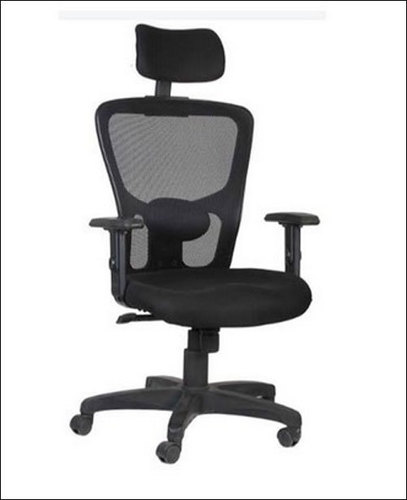 | Office Chairs Shaad Enterprises Shaad Enterprises offers premium quality Low Back Office Visitor Chairs designed to provide comfort, durability, and a professional... View product → |
Test the layout at full use before you approve the order
Place sample chairs in the actual desk, conference table, reception counter and waiting area before approving the order. A chair that fits when pushed in can still block an aisle when occupied or pulled back.
1. Test each desk chair by typing, reaching, standing, sitting down and pulling it fully away from the desk. Record the occupied footprint, aisle width, table clearance and circulation route, not just catalogue dimensions.
2. Run a practical trial long enough to type and change position repeatedly. Five minutes sitting upright tests showroom softness, not sustained support or the office seating requirements of real work.
3. Check conference chairs against table legs and confirm that arms pass beneath the tabletop. A deep recline, wide arms or five-star base can trap chairs and slow entry and exit.
4. Sit in visitor chairs from the normal approach direction. Confirm they do not roll unexpectedly or block reception access; use casters only where room movement helps.
5. Repeat the walk-through with doors, drawers and nearby chairs in use. Mark any circulation route that becomes narrow when every seat is occupied.
Record these purchasing checks before signing:
- Seat height, width, depth, back height, arm clearance and overall footprint
- Base type and caster suitability
- Upholstery cleaning method and drying time
- Rust-resistant finish for humid, monsoon-prone conditions
- Availability of replacement casters, gas lifts and arm pads
- Warranty terms and exclusions
- Delivery access, lift dimensions and stair route
- Assembly requirements, tools and on-site service alcove needs
Frequently asked questions
Why do desks, meeting rooms and visitor areas need different chairs?
Desk work requires sustained adjustability, while meetings prioritise comfortable posture and movement. Visitor seating must support short interactions and easy access.
Which chair measurements should you compare before ordering?
Compare seat height and depth with the desk or table height, and check that users can keep both feet on the floor with knees level with or slightly below the hips.
How should businesses plan chairs for different departments?
Group departments by work pattern, time spent seated and occupancy. Provide adjustable desk chairs for sustained computer work and simpler seating where people sit briefly.
What should you check before approving an office seating order?
Test the layout at full use. Check clear movement paths, chair pull-out space, desk access, meeting-table fit and visitor circulation.
Related products
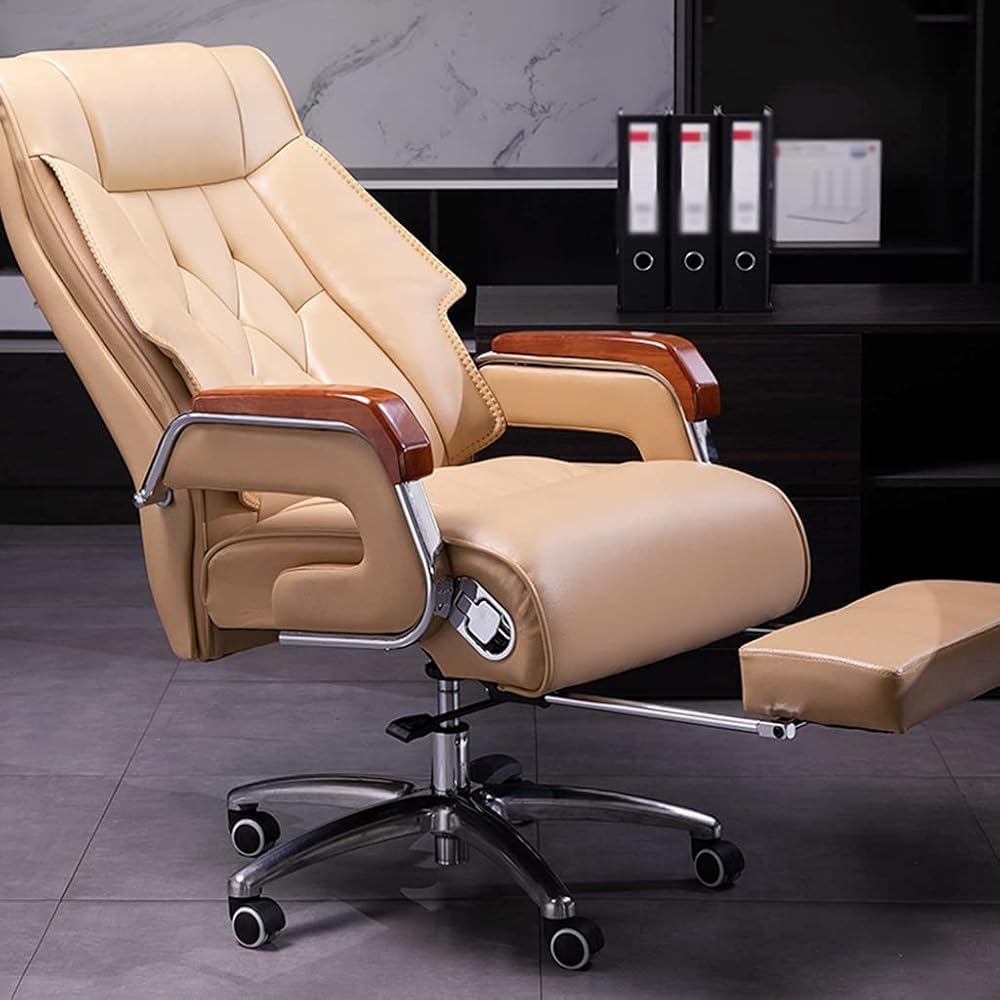 | Office Chairs Shaad Enterprises Shaad Enterprises presents premium quality Boss Office Chairs designed to offer superior comfort, executive style, and long-lasting... View product → |
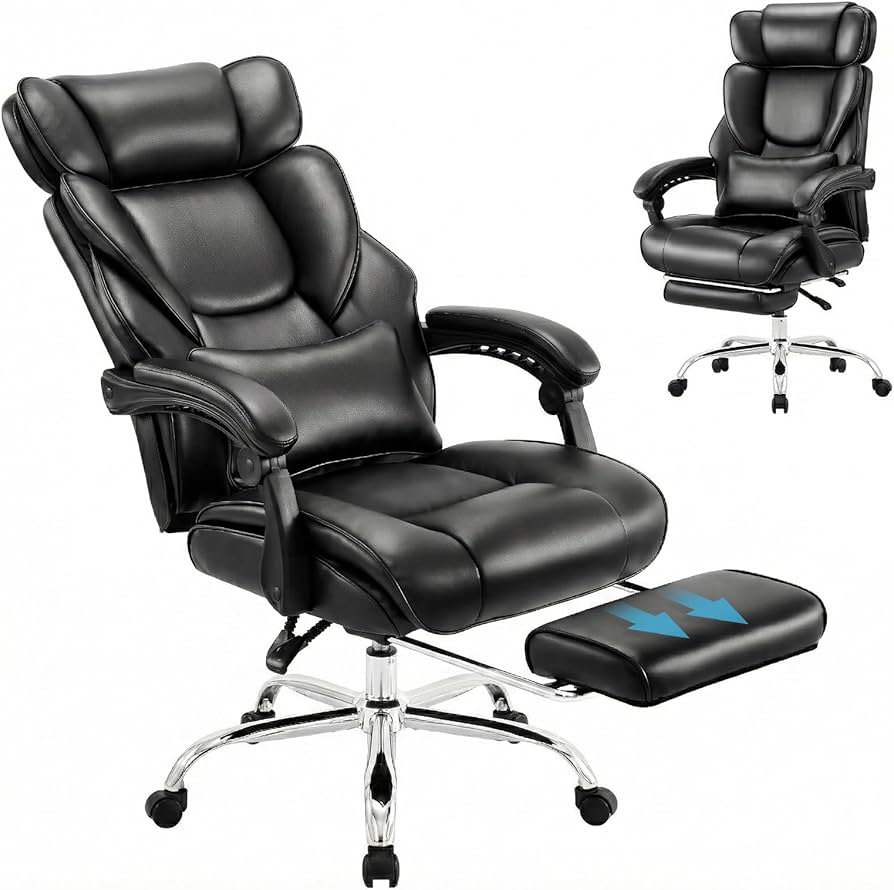 | Office Chairs Shaad Enterprises Shaad Enterprises is a trusted manufacturer of premium-quality Executive Office Chairs, designed to provide maximum comfort,... View product → |
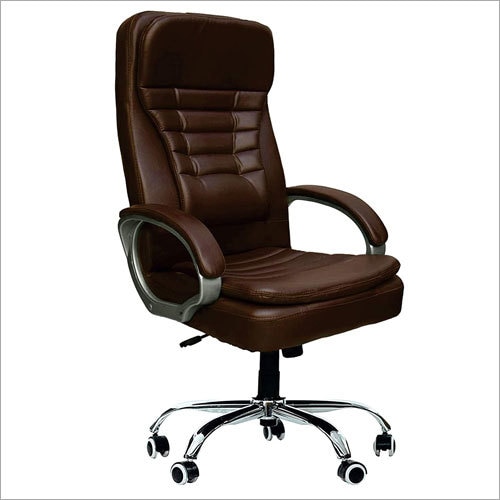 | Office Chairs High Back Executive Office Chair Shaad Enterprises Shaad Enterprises offers premium quality High Back Executive Office Chairs designed to provide superior comfort, professional... View product → |
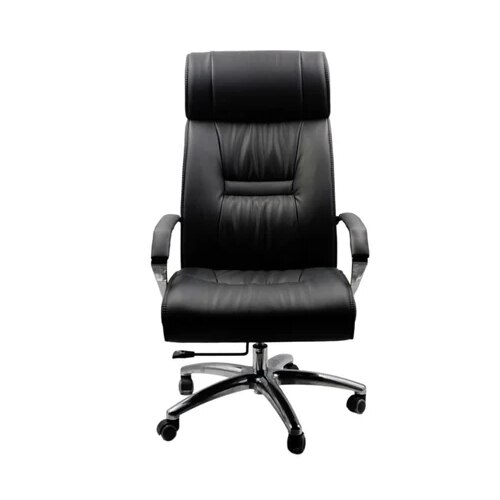 | Office Chairs Here is a ready-to-use assembly instruction content for your business Chirag Steel for a Revolving Boss Chair. View product → |
Keywords